


Free Square Book Mockup
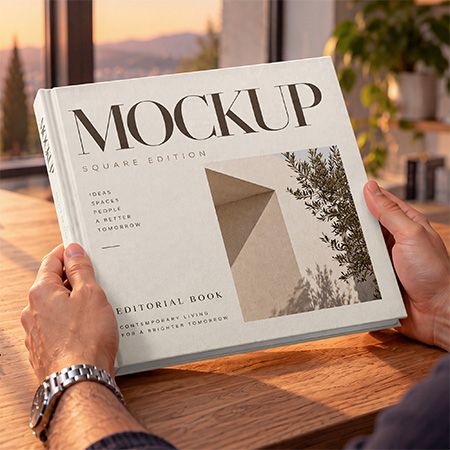
Use this free square book mockup to present your cover design in a warm studio setting. A person holds a square hardcover book beside a sunlit window, with the front cover and spine in view. Soft evening light and a wooden desk give your artwork a relaxed, lived-in feel.
PSD format · 3840 × 2160 px · 300 DPI · Smart Object editing
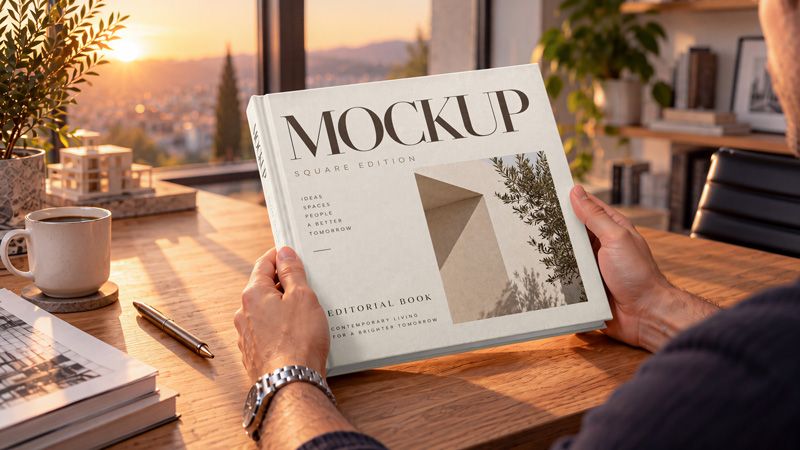
A book cover mockup for editorial projects
Try this scene with a photo book, art collection, architecture title, or brand publication. For example, pair a large title with a full-cover photograph, or build a quieter layout around simple typography. The coffee cup, plants, and sunset backdrop suit books about design, travel, and everyday life.
You can also compare different cover concepts in the same setting before sharing them with a client. Because the scene has warm lighting, it adds a golden tone to your artwork. Use it to explore the overall presentation, then check exact colours in your original design file.
How to edit the square book mockup
First, open the PSD file in Adobe Photoshop. Next, double-click the artwork Smart Object thumbnail and replace the sample design with your own cover. Save the Smart Object, then return to the main document to see the result. Finally, export a JPG or PNG for your presentation.
Keep your title and important details clear of the hands near the lower corners. This helps readers see the main elements of your cover. For help with the workflow, explore Adobe’s Smart Object guide.
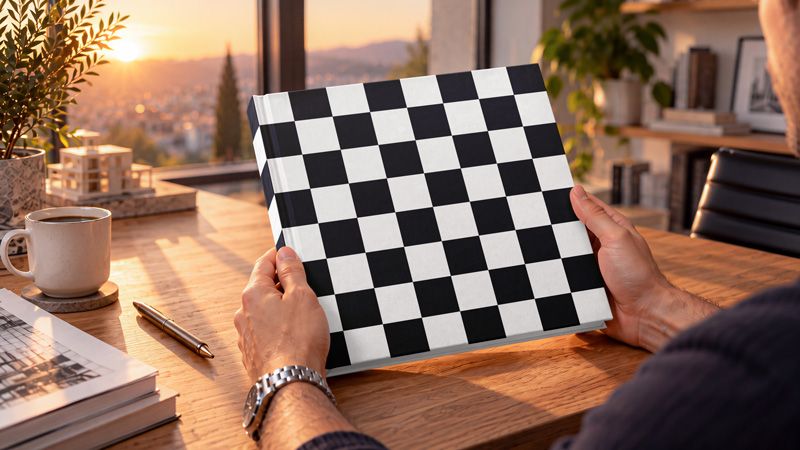
The checkered preview shows how artwork follows the front cover and visible spine. It also makes the perspective easier to see before you place your own text, images, or pattern.
Explore cover and spine colours
Colour choices can change the character of a book design. For example, a contrasting spine can add a bold accent, while a matching palette creates a more uniform look. Try repeating a colour from your cover image across other parts of the book.
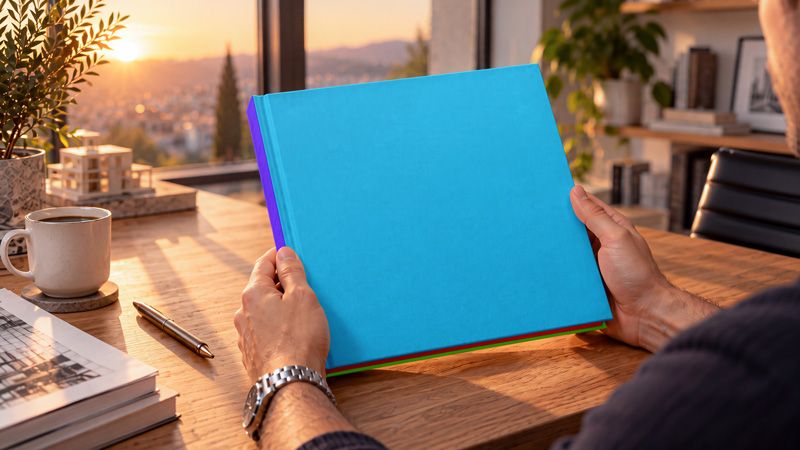
This preview uses contrasting colours to distinguish the cover, spine, and lower edges. The texture and lighting remain visible, so you can see how colour works within the scene. All three previews show the same book and camera angle.
Frequently asked questions
Is this mockup free to download?
Yes. Use the button below to download the free mockup and try your own design.
Which part can I customize?
The demonstrated design area is the circular sign face. For example, you can replace the sample artwork with your logo, promotional message, or pattern.
Can I use it for commercial projects?
Yes. The Country4k license allows personal and commercial projects, including client presentations. However, you cannot resell or redistribute the source file. Check the full license for all conditions.
Is this a print template?
This file helps you visualize a shelf display. For production, use a separate artwork file that follows your printer’s size and bleed requirements.
AI content disclosure:
The mockup was generated using artificial intelligence (AI). It is provided as a layered PSD file with Smart Objects for adding your label and neck capsule artwork.
Download your free square book mockup
Try your next cover design in this sunset studio scene. Then use the finished image in a client proposal, portfolio case study, or book launch presentation.
- File size: 71 Mb
- File format: PSD
- Resolution Dimensions: 3840x2160 px
- Use: Free for personal and commercial use