
Jiu Jitsu Kimono Mockup Set
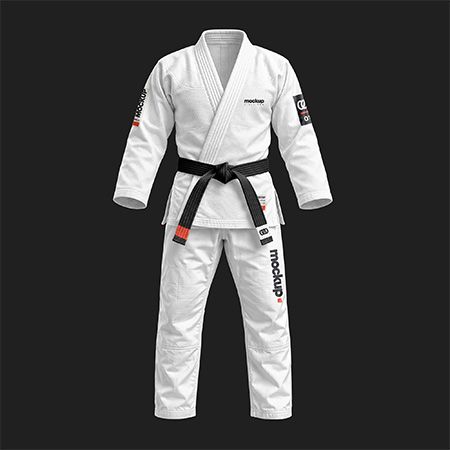
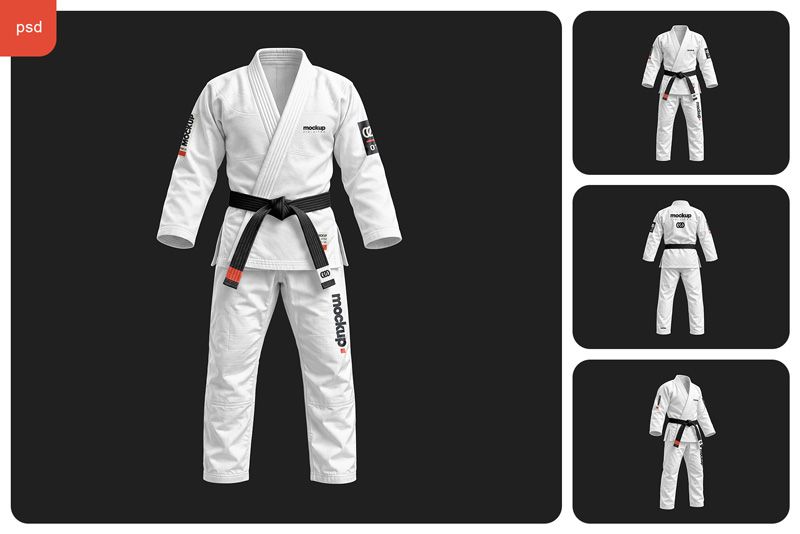
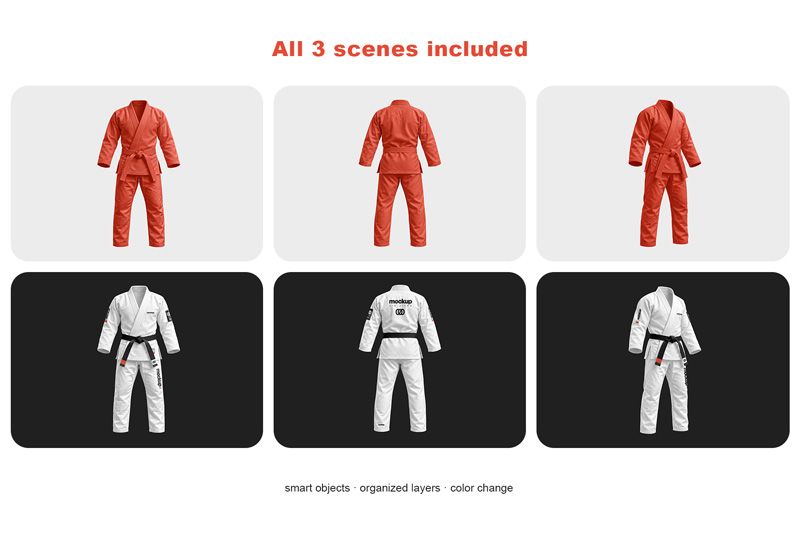
Use this BJJ gi mockup set to show a client how an academy crest, sleeve patch and team name work together on a complete Brazilian jiu-jitsu uniform. You get front, back and three-quarter views of the jacket, pants and tied belt, each in a separate Photoshop file.
3 editable scenes · Layered PSD · Smart Objects
$14.00 $6.99 USD · 50% OFF
Prices exclude taxes. After all, any applicable taxes are added at checkout based on your country. Therefore, you will see the final total before payment.
Digital download · Adobe Photoshop required · Personal and commercial use under the Country4k License.
Choose the Right View for Each Mark
Start with the front view to size a chest crest beside the crossed lapels. You can also see whether the belt ends overlap lettering on the thigh. Use the back view to position a wider team name between the shoulders. The three-quarter view brings the upper sleeve forward, so your client can judge the width of a patch as it curves around the arm.
The plain red gi and the branded white gi below show the same three scenes. To compare team colors, keep the logo placement fixed and change the uniform palette. Small lettering is especially useful for judging contrast.
How to Customize the BJJ Gi Mockup in Photoshop
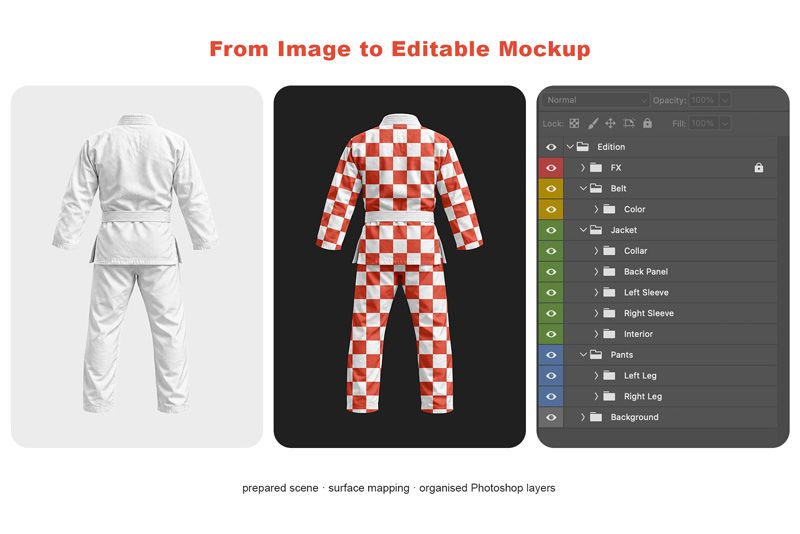
Open the Smart Object for the garment panel you want to edit. Place your artwork, save the Smart Object and return to the main PSD. In the back view, named groups separate the back panel, collar, sleeves and pant legs. The belt has its own color control. You can try a new back emblem while keeping the sleeve treatment in place.
Fabric Weave and Sleeve Patch Detail
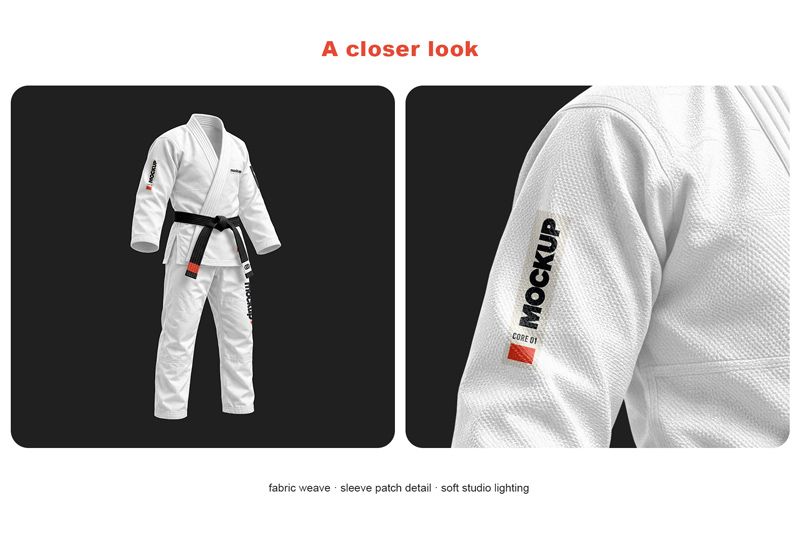
Use a full view for your team kit proposal and a close crop for patch approval. On the near sleeve, you can see the shoulder seam, the fold beneath the patch and the weave through its lighter areas. This lets a designer show both the scale of the logo and the surface it sits on.
We used generative AI to develop the base garment images. We then selected and retouched each view by hand, adjusted the light and color, and mapped the artwork to the garment panels in Photoshop.
File details:
- Included files: 3 layered PSD mockups + help file
- Canvas size: 6000 × 4000 px per PSD
- Resolution setting: 300 DPI
- Editing: Design Smart Objects
- File organization: Layers and folders
- Software: Adobe Photoshop
- Product type: Digital download
Preview collages are shown for reference and are not included as separate gallery files. Use your own artwork to create the final presentation.
Before you buy
Software: Adobe Photoshop is required to edit the PSD files and Smart Objects.
Sample designs: Branding shown in the previews is used for demonstration purposes and is not included as a separate design asset.
Digital product: This is a digital download. No physical product will be shipped.
License: You can use the mockups for personal, commercial and client projects under the Country4k Standard License. However, you may not resell or redistribute the source mockup files. Read the full license.
Refunds: You can request a refund within 14 days of purchase. To do so, contact us with your order details.
$14.00 $6.99 USD · 50% OFF
Prices exclude taxes. After all, any applicable taxes are added at checkout based on your country. Therefore, you will see the final total before payment.
Contact us with any questions before purchase.