


Free Wrinkled Round Sticker Mockup
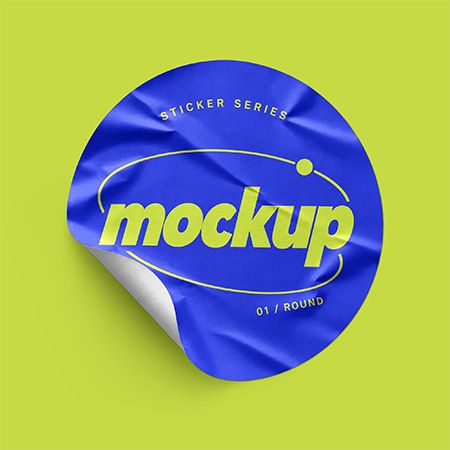
Bring texture and personality to your branding with this Free Wrinkled Round Sticker Mockup. The scene features a circular sticker with visible creases and a curled edge. Meanwhile, soft highlights and a gentle shadow give your artwork a tactile, dimensional look.
PSD format · Round sticker design · Wrinkled surface · Curled edge
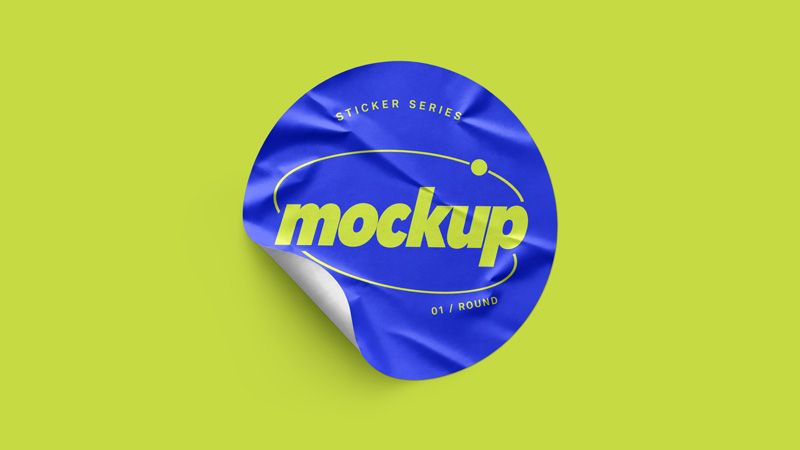
Present logos with a round sticker mockup
A round sticker gives compact artwork a clear frame. For example, use it to present logos, monograms, product names, club badges, or short slogans. You can also add illustrations, event graphics, or lettering that follows the circular edge. Then, compare each design against the creases and folded area. This helps you judge what viewers notice first.
Because the edge curls back, part of the artwork disappears beneath the fold. Therefore, keep essential text within the clearly visible area of the sticker face. Moreover, the surface highlights let you explore how fine details look across the wrinkles.
Use this round sticker mockup PSD for packaging labels, brand presentations, promotional stickers, and illustration portfolios. In addition, it gives social posts and online shop previews a distinctive visual focus. The close view helps you review contrast, text size, and the placement of small graphics.
How to edit the wrinkled sticker mockup
First, open the PSD in Adobe Photoshop and select the sticker design Smart Object. Next, open its contents and place your logo, typography, or complete circular artwork. Then, save the Smart Object to update the main composition.
Review the design around the raised creases and curled edge. For example, move important lettering inward if the fold interrupts it. Finally, export your finished image for a client presentation, portfolio, or campaign.
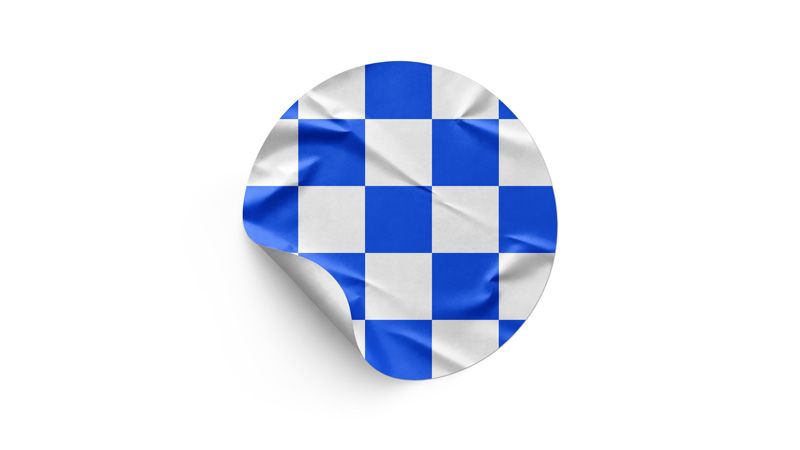
The second preview shows a blue and white checkerboard design on a white background. Here, the grid makes the wrinkled surface and curled underside easier to examine. Both previews show the same sticker and camera angle with different artwork and backgrounds.
Frequently asked questions
Is this round sticker mockup free?
Yes. Use the download button below to get the file at no cost.
Where does my artwork appear?
Your design appears on the front face of the sticker. The curled edge reveals the underside and partly covers the artwork.
What software do I need?
Use Adobe Photoshop to work with the PSD file and edit its Smart Object.
Can I use it for client projects?
Yes. The Country4k license permits personal and commercial presentations, including client work. However, you cannot redistribute or resell the source file.
Generative AI supported the visual development of the original scene. We then manually refined, retouched, and color-corrected the image before preparing it as an editable Photoshop mockup.
Download your free wrinkled round sticker mockup
Turn a simple circle into branding with texture, depth, and a clear visual message. Download the Free Wrinkled Round Sticker Mockup, add your design, and give your next presentation something people remember.
- File size: 34 Mb
- File format: PSD
- Resolution Dimensions: 3840x2160 px
- Use: Free for personal and commercial use