


Free Mac Studio Mockup PSD for Website and UI Design
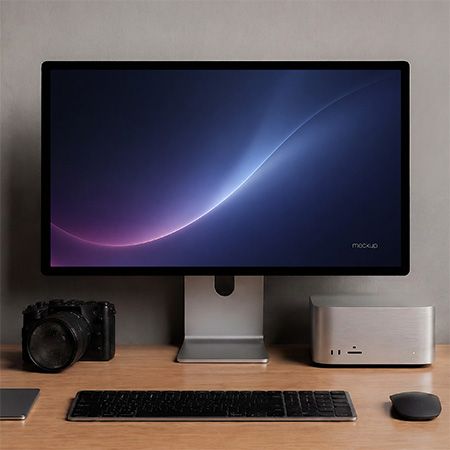
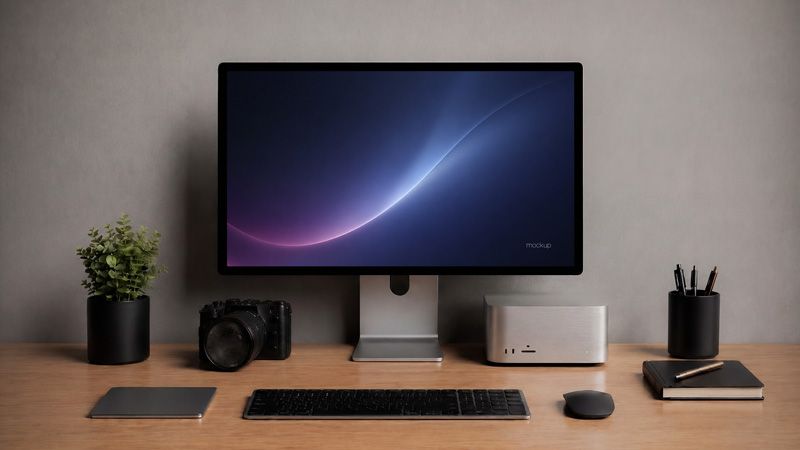
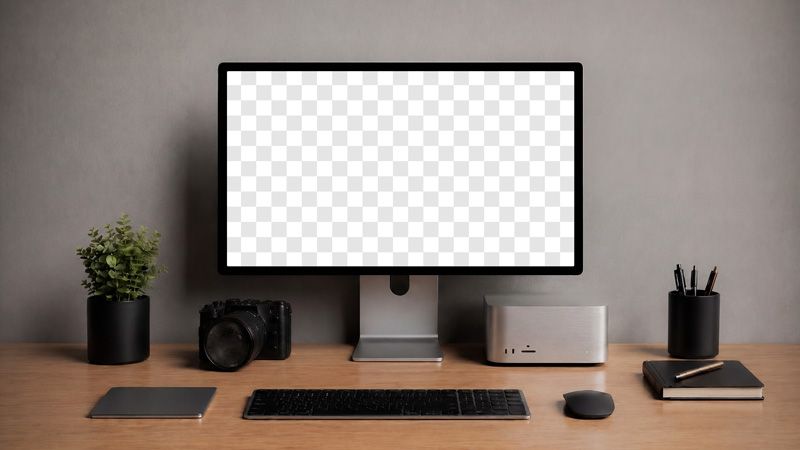
Show your digital project in a clean creative workspace with Free Mac Studio Mockup PSD for Website and UI Design. This realistic desktop screen mockup helps you present website designs, app interfaces, SaaS dashboards, UI layouts, branding visuals, and portfolio projects in a modern studio setting. Also, the large display gives your artwork a clear focal point, so clients can understand the design faster.
Use this free Mac Studio mockup for landing pages, agency websites, software interfaces, startup pages, product dashboards, photography projects, online portfolios, and digital branding presentations. Moreover, you can place a homepage hero, app screen, product UI, campaign visual, logo concept, case study preview, or website layout on the monitor. As a result, your digital design feels more realistic, polished, and ready for presentation.
The large screen keeps the focus on your artwork. Meanwhile, the keyboard, mouse, camera, notebook, plant, and wooden desk create a calm workspace mood. Because of this, the scene feels professional without looking cold or empty. It gives your design context, while the clean background keeps the layout simple and focused.
This workspace mockup helps you check typography, spacing, contrast, composition, and visual balance before a final presentation. In addition, the neutral wall and minimal desk setup work well with many design styles. Therefore, you can use it for clean UI concepts, modern brand visuals, product previews, and creative portfolio images.
Add your artwork to Free Mac Studio Mockup PSD for Website and UI Design and create a polished visual for product pages, portfolios, social media previews, client presentations, and digital branding projects. Finally, turn a flat screen layout into a realistic product presentation that feels modern, useful, and ready for real work.
This free mockup was created using AI tools.
Download Free Mac Studio Mockup PSD and embody your most extraordinary ideas using the Photoshop program. I hope you will enjoy it. Follow us on Instagram!
▸ FAQ
What is this Free Mac Studio Mockup best used for?
This free Mac Studio mockup works best for website design, app interface previews, SaaS dashboards, agency landing pages, startup websites, portfolio projects, and digital branding presentations. Also, it helps designers show screen layouts in a realistic workspace scene.
Can I use this mockup for commercial projects?
Yes. You can use this free mockup for personal and commercial projects. For example, you can create client previews, portfolio images, product page visuals, social media posts, and online store graphics.
What can I place on the screen?
You can place a website layout, app interface, dashboard, homepage hero, brand visual, logo concept, campaign image, or case study preview on the display. Moreover, the large screen area keeps your design clear and easy to read.
Is this mockup suitable for UI and web design presentations?
Yes. The clean desk setup, neutral background, and large monitor make this mockup suitable for UI design, web design, SaaS products, creative portfolios, and digital product presentations.
What file format do I get?
You get a PSD file with a 3840×2160 px resolution. Therefore, you can edit the mockup in Photoshop and create a clean digital product presentation.
- File size: 37 Mb
- File format: PSD
- Resolution Dimensions: 3840x2160 px
- Use: Free for personal and commercial use